ChatGPT can churn out words faster than you can type, but speed does not equal quality. If you want your blog to look different, you need more than just a tool that writes. You need direction, clarity, and a focus on what your audience actually wants.
To make ChatGPT work for your blog, start by defining the specific outcome you want. Use it to draft ideas, not final posts. Always test one real workflow for two weeks before making any big changes.
The mistake is using ChatGPT without a plan
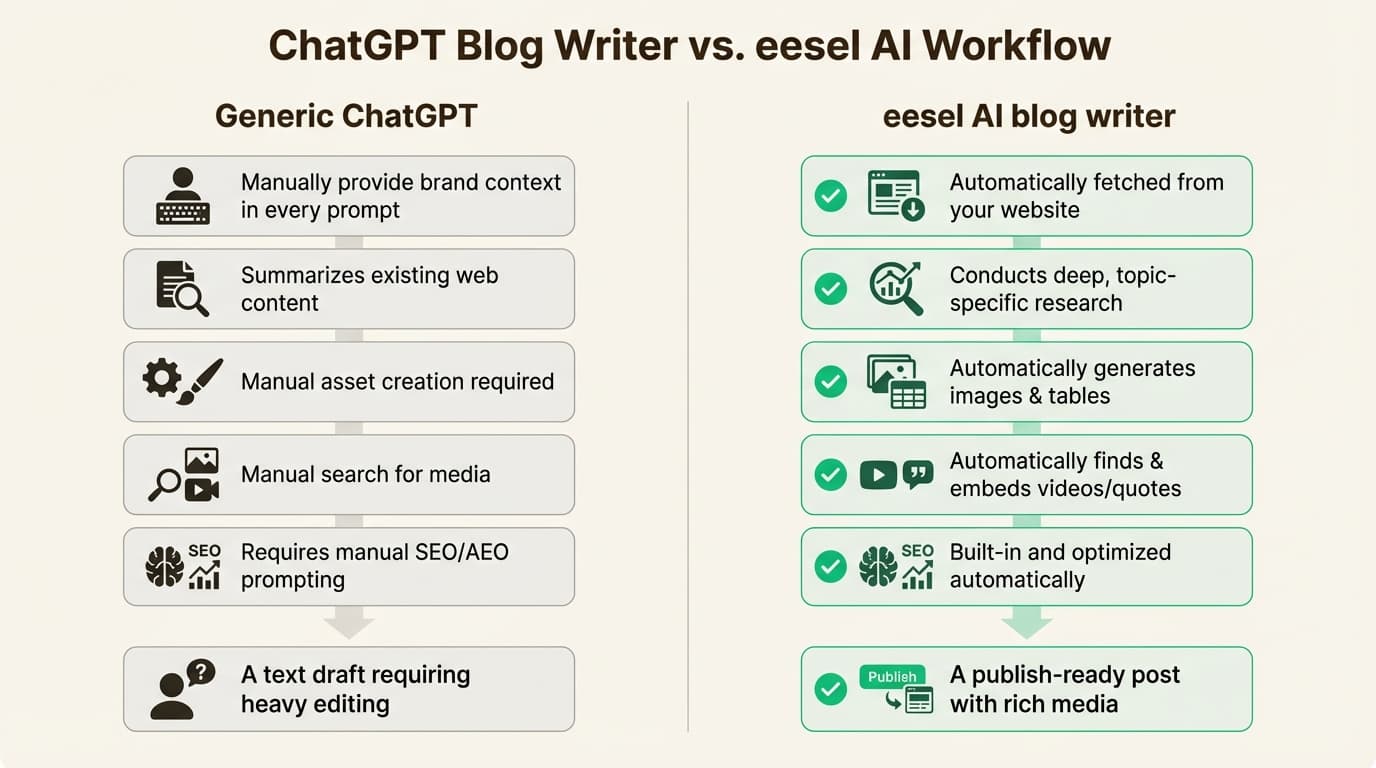
Most people ask ChatGPT to write a post with vague prompts like "blog about marketing trends." What you get is a generic piece that could fit any website. Instead, I would outline the key points first:
- What problem does this post solve?
- Who is the target reader?
With [OpenAI](https://openai.com/)'s [ChatGPT](https://chatgpt.com/) tool, the best use is not "write my blog." The best use is "give me a draft I can refine."
Test one real workflow
Before you overhaul your entire content strategy, test how ChatGPT fits into your existing process. Try it on one type of post for two weeks. Measure the results — reader engagement, time saved, and quality. If you cannot see a clear benefit, rethink your approach.
Avoid copying competitors
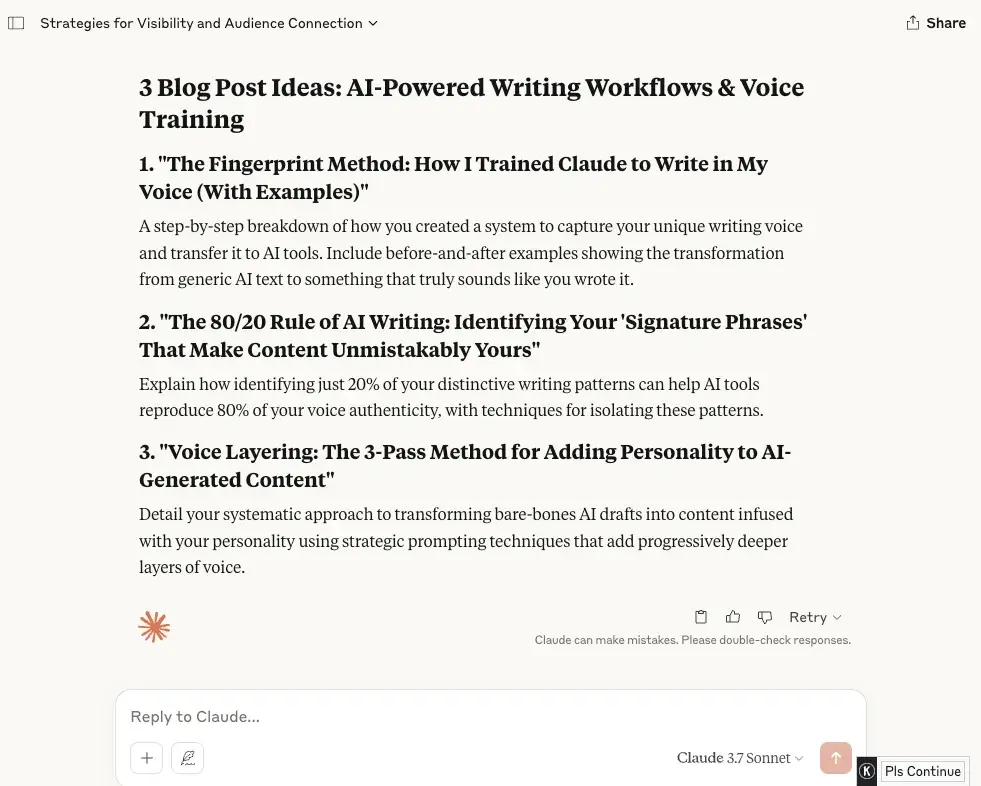
Copying a competitor's tone or using keyword tools to mimic their content is a dead end. Readers notice when posts feel like duplicates. Instead, focus on what makes your perspective unique. Use ChatGPT to explore angles you have not covered yet.
Explain changes clearly
Any changes you make should be easy to explain to your audience. If you cannot describe what ChatGPT adds to your content without jargon, you are probably complicating things. Keep it simple and customer-focused.
Your blog needs to sound like you, not a machine. That is not optional.