
I would not trust AI to handle my brand's voice on its own. The tools can draft and improve, but they can't replace the human touch that makes an email feel genuine.
AI can help with drafting subject lines and suggesting send times, but the core message and brand voice should remain human-driven. Start with a manual email for one customer type to ensure clarity, then use AI for optimization. Always remember GDPR compliance, which requires genuine consent beyond just toggling a platform setting.
The mistake is letting AI define your message
I've seen businesses plug tools like [Mailchimp](https://mailchimp.com/) or [Klaviyo](https://www.klaviyo.com/) into their email systems without a clear message. The result? Generic emails that sound like they could belong to anyone. Before using AI, write a manual email targeting one customer type. Once you have that, AI can assist in refining the details.
AI's role in email marketing

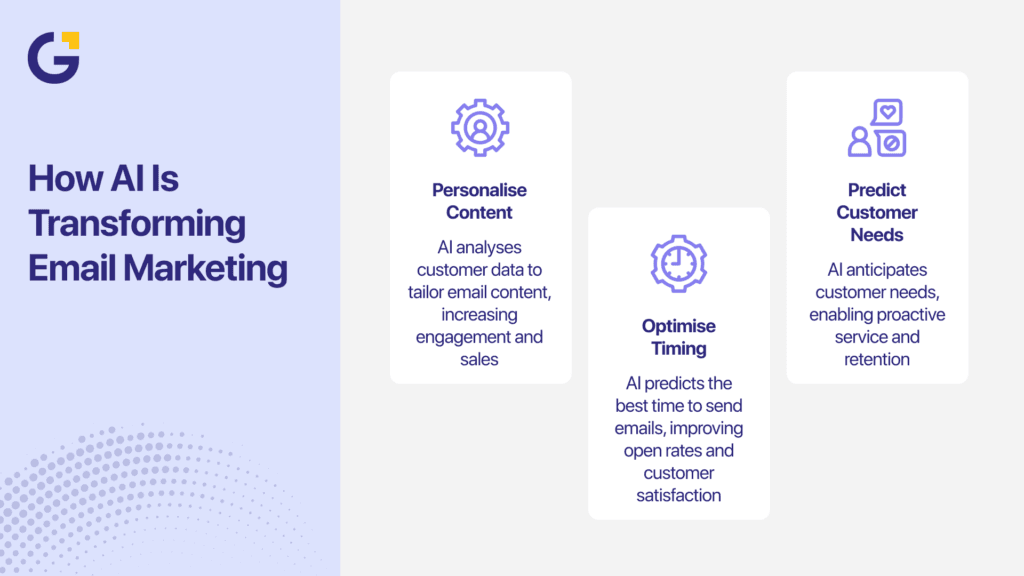
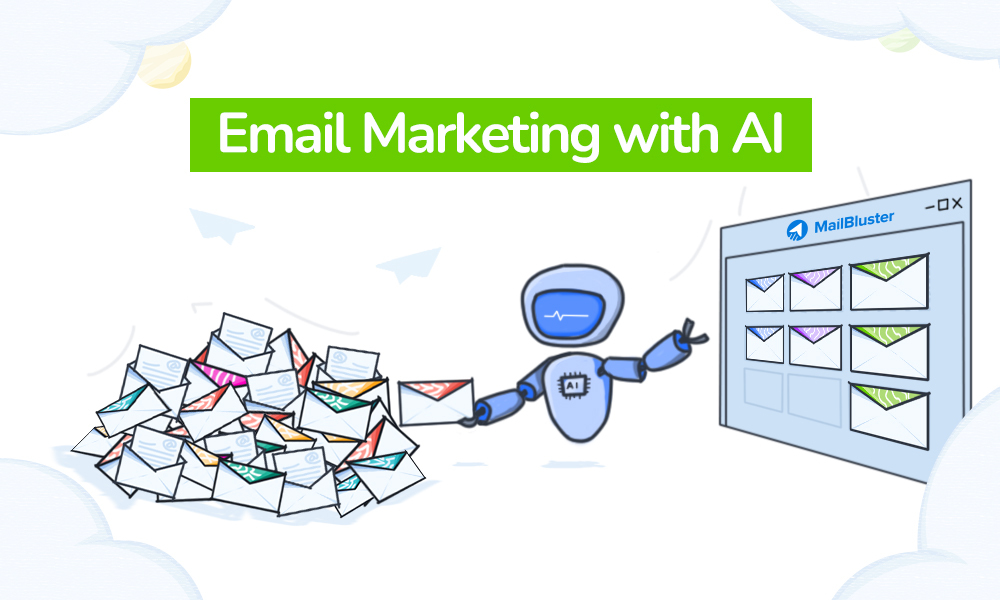
AI excels at tasks like drafting multiple subject line variants and suggesting optimal send times based on past data. For example, AI can analyze open rates and recommend the best time to send an email to increase engagement. But remember, AI should not be creating your offers or defining your brand's voice. Those elements require a human touch.
Compliance matters more than you think
GDPR compliance is not optional. Genuine consent is required, not just a checkbox on a platform. If you're using AI tools for email marketing, you need to ensure that your processes align with these regulations. This means having clear consent practices in place and being transparent with your audience about how their data is used.
AI can improve, but it can't replace the human element that makes your brand unique.