Tech Revenue Brief
Seo

How to Compress Images for Core Web Vitals (Tool + Workflow)

Learn how to compress images for Core Web Vitals to improve loading speed and SEO. Follow our step-by-step guide for effective image optimization.

Start Here

TL;DR

  • Choosing the right image format is crucial for effective compression.
  • Implement lazy loading to enhance performance and user experience.
  • Regularly test your site with tools like Google PageSpeed Insights to monitor improvements.

Plain English

What this means

Choosing the right image format is crucial for effective compression. This briefing is written for operators who want a fast read first, then a practical plan—not a generic news recap.

seo briefing

Audience

Who should care

  • Seo operators evaluating their next move
  • Founders and publishers who need a decision framework, not more hype
  • Teams turning search demand into pages, tools, or offers

Scan Path

Answer first, details second

Trust Cue

Source linked for verification

Time Cost

3 min read

Tech Revenue Brief

How to Compress Images for Core Web Vitals (Tool + Workflow)

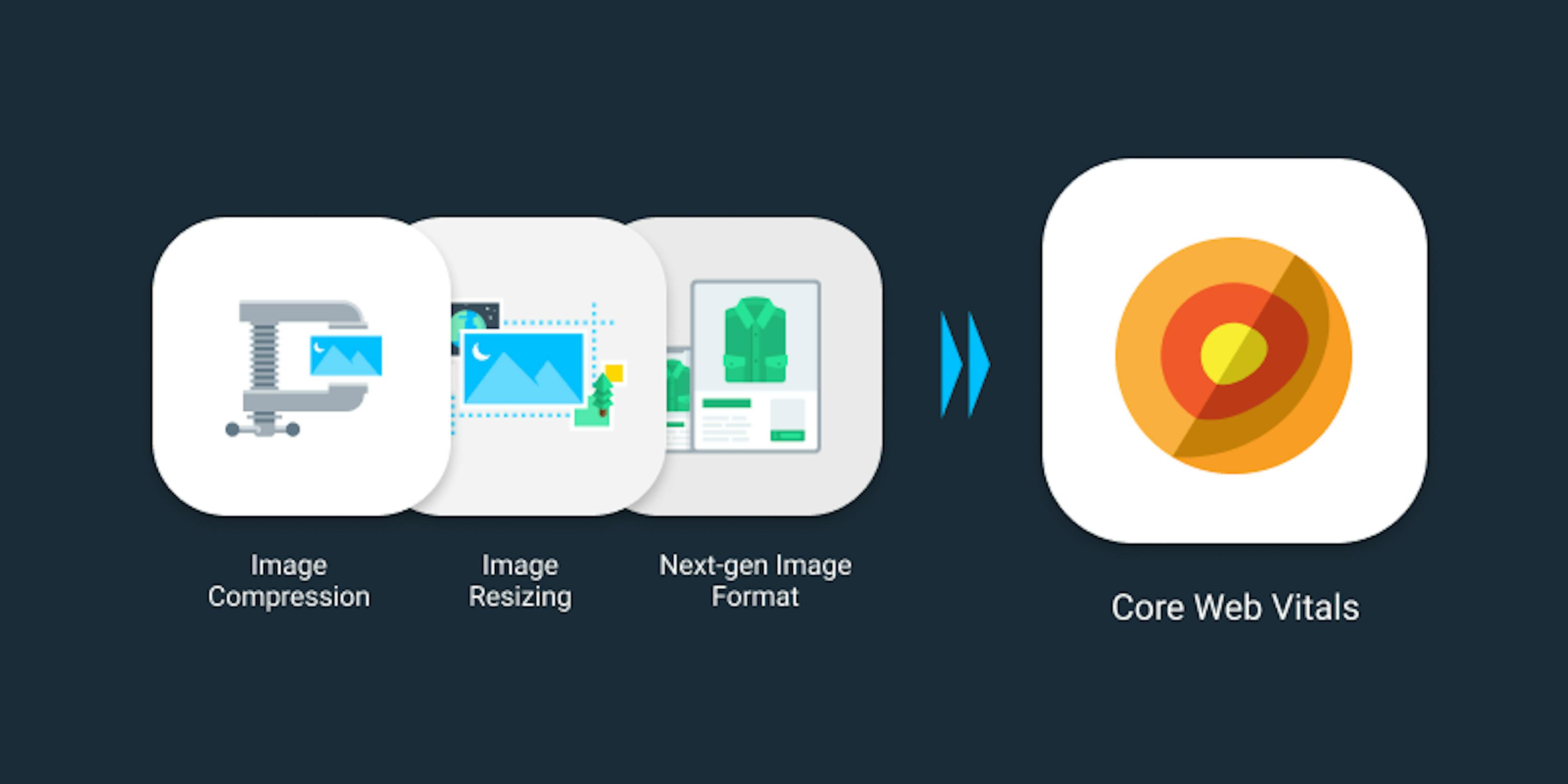
In this guide, we will explore how to effectively compress images to improve your website's Core Web Vitals scores. Optimizing images not only enhances loading speed but also positively impacts SEO and user experience.

Quick Answer

To compress images for Core Web Vitals, use tools like TinyPNG or ImageOptim to reduce file sizes without sacrificing quality. Implement lazy loading to defer off-screen images and consider using modern formats like WebP for better compression ratios.

Step-by-Step Workflow

  1. Choose the Right Format: Decide between JPEG, PNG, or WebP based on the type of image. Use JPEG for photographs, PNG for images with transparency, and WebP for a balance of quality and size.
  2. Select a Compression Tool: Use online tools like TinyPNG or desktop applications like ImageOptim for effective compression.
  3. Upload Your Images: Drag and drop your images into the tool. Most tools will automatically compress them.
  4. Download the Compressed Images: Save the optimized images to your computer. Ensure you keep the original files in case you need them later.
  5. Implement Lazy Loading: Add lazy loading attributes to your `<img>` tags to improve loading times. This means images load only when they are in the viewport.
  6. Test Your Site: Use tools like Google PageSpeed Insights to check your Core Web Vitals scores and see the impact of your image optimization efforts.

Common Mistakes

  • Neglecting Image Formats: Using the wrong format can lead to larger file sizes. Always choose the most suitable format for your images.
  • Over-compressing Images: This can lead to quality loss. Always preview the compressed images to ensure they meet your standards.
  • Ignoring Lazy Loading: Failing to implement lazy loading can slow down your site, especially if it has many images.

Checklist for Image Compression

  • [ ] Choose the correct image format.
  • [ ] Use a reliable compression tool.
  • [ ] Implement lazy loading for images.
  • [ ] Test Core Web Vitals scores post-optimization.

FAQ

What is image compression and why is it important for SEO? Image compression reduces file sizes, leading to faster loading times, which is crucial for SEO as it improves user experience and Core Web Vitals scores.

How can I check if my images are optimized for Core Web Vitals? Use Google PageSpeed Insights to analyze your website's performance and see how your images impact loading speed.

What tools can I use to compress images effectively? Popular tools include TinyPNG, ImageOptim, and Adobe Photoshop, each offering various features for effective image compression.

How does image size affect website loading speed? Larger images take longer to load, which can negatively impact user experience and Core Web Vitals, leading to potential SEO penalties.

By following these steps and guidelines, you can significantly improve your website's performance through effective image compression. Remember to regularly check and optimize your images as part of your website maintenance routine.

Source: Tech Revenue Brief Editorial.

Tools mentioned in this guide

Operator take

What we would do

We would prioritize pages that already get impressions but underperform on CTR or depth—not brand-new thin pages built only to chase keywords.

Example

Example: publisher with 25k monthly visits

Setup

Organic traffic is flat, but Search Console shows 40+ queries on page 2 with decent impressions.

What we would do next

Refresh 5 near-win pages with better intros, FAQs, and internal links before publishing 20 new thin articles.

Action plan

What we would test first

  1. 1Inspect the top 5 ranking pages and note page type + depth.
  2. 2Update one existing page before creating a new URL.
  3. 3Add FAQ and internal links to a related tool or comparison page.

Watch out

Mistakes to avoid

  1. 1Publishing a summary without a clear recommendation or next step.
  2. 2Chasing every related keyword instead of one primary page job.
  3. 3Ignoring Search Console or analytics when the topic is search-driven.
  4. 4Creating near-duplicate pages for every long-tail variant.
  5. 5Optimizing titles for clicks without matching intent on the page.

Next steps

Turn this into action